Showing posts with label Desktop Enhancement. Show all posts

5 Nov 2012

0 Mac Dock For Windows Xp Free Download [ 559 Kb ]


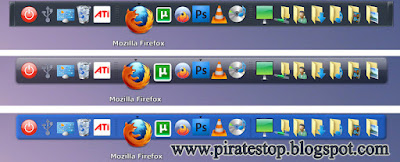
 Hi Friends ! Today I Have Brought A New Stuff For You, Before This I Shared The Rocket Dock And Circle Dock With You And This Is Another Cool Dock, Which Gives a Whole New Look To Your Desktop, So Here Is The Software Download And Enjoy And Do Not Forget To Give Your Suggestions. . . Thanks


How to Download:-


1- Click The Download Button Below To Download The File

2- Wait for 5 sec
3- Then Click On Skip This Add

4- In A New Tab Media Fire Page Will Open

5- Type There Password to Unlock the File

Note : Password Is Given Below

6- Then Click On The Download Button To download The File

Password = najamulsaqib

Thanks For Visiting
And 
Feel Free To Leave Your Comment 
Moreover 
If You Like Our Posts Then Support Us To Join Our Site

Published By:
NAJAM UL SAQIB
on 03:16

30 Oct 2012

0 Watery Desktop 3d Free Download [ 1 MB ]

Watery Desktop 3D iconWatery Desktop 3d
Design Your Desktop


If you like effects on your desktop, now that holidays are finishing, you can give a watery touch to your screen thanks to Watery Desktop3D.

Watery Desktop 3D floods your screen, you'll see how everything on your desktop will be sunk. Choose the waves level, rain and smooth.

Give a new touch to your screensaver, change it and setWatery Desktop as default screensaver, it's different and it works very well.

Animate your desktop with the effects of water (rain,waves etc.), and a screensaver which can work in wallpaper mode or fullscreen mode.


How To Download:-


1- Click The Download Button Below To Download The File

2- Wait for 5 sec
3- Then Click On Skip This Add

4- In A New Tab Media Fire Page Will Open

5- Type There Password To Unlock The File

Note:- Password Is Given Below

6- Then Click On Download Button To Download The File

Password = najamulsaqib


Thanks For Visiting 

And 

Feel Free To Leave Your Comment 

Moreover 
If You Like Our Posts Then Support Us To Join Our Site

Published By:
NAJAM UL SAQIB
on 01:14

24 Oct 2012

0 Circle Dock For Win Xp, Vista And Seven Free Download [ 40 MB ]


What Circle Dock Allows You to Do:

  • Launch your programs from a circular dock.
  • Drag and drop your files, folders, and shortcuts onto a circular dock that you can re-size.
  • Rotate the dock with either your mouse wheel or the keyboard arrow keys.
  • Change the image shown for the icons and change the skins (compatible with icons and skins for Rocket Dock, Object Dock, etc.)
  • The dock appears where your mouse is by pressing a hotkey (default is F1) or your middle mouse button, other options available.
  • Tested on computers with multiple monitors, Windows XP/Vista/7, 32-bit & 64-bit, and requires only .Net Framework 2.0.
  • Automatically works on all Windows Vista and 7 computers and most Windows XP computers.
  • A new settings panel that allows you to customize many options. It updates your dock as you make changes. See it change in real time! No need to press an OK button.
  • Multi-language capable. Just translate the English.ini file to the language of your choice. 50+ Languages currently available
  • Change the image used for the dock icons with the easiest method out there: Just set the program to "Icon Replacement Mode" in the right-click menu of the center icon and you can change all the icon images by just dragging and dropping new PNG images onto them! Huge time saver when you are customizing your dock!
  • Built in support for Windows HD Icons. Vector and detailed PNG's come through with great clarity
  • toggle the visibility of the dock by moving your mouse to any edge of your screen. By default, the left and right edges are used for toggling. No need to press a button!
  • Rotate the dock with your mouse wheel or arrow keys (customizable).
  • Reorder and Organize the dock items with new adjustment interface. Located via right click on an item
  • By default, clicking on the center button does not open the start menu. You can enable this in the settings panel.
  • New easy method of upgrading from older versions.


>> Click On The Image To View Full Size Image <<


How To Download:-


1- Click The Download Button Below To Download The File

2- Wait for 5 sec
3- Then Click On Skip This Add

4- In A New Tab Media Fire Page Will Open

5- Type There Password To Unlock The File

Note:- Password Is Given Below
6- Then Click On Download Button To Download The File

Password = piratestop


Thanks For Visiting 
And 
Feel Free To Leave Your Comment 
Moreover 
If You Like Our Posts Then Support Us To Join Our Site

Published By:
NAJAM UL SAQIB
on 22:56

13 Oct 2012

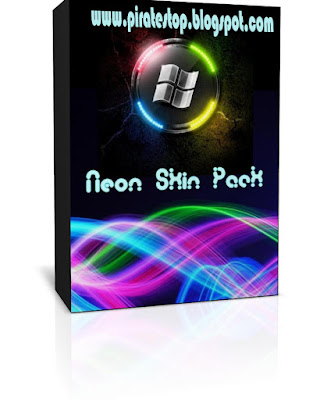
0 Neon Skin Pack For Win XP And Win 7 Free Download [ 17.79 MB ]


Transforms Win Xp And Win Seven Into Neon

Support:

Windows 7 , Windows 7 SP1 , Windows XP - [X86_X64] - [All Language] - [All Version]

Note : Skin Packs installer have easy and safe install option , Please unistall old or other version of skin packs before install new version. Before install close all runnig program , after finish restart your system.


How To Download:-


1- Click The Download Button Below To Download The File

2- Wait for 5 sec
3- Then Click On Skip This Add

4- In A New Tab Media Fire Page Will Open

5- Type There Password To Unlock The File
Note:- Password Is Given Below
6- Then Click On Download Button To Download The File

Password = piratestop


Thanks For Visiting 
And 
Feel Free To Leave Your Comment 
Moreover 
If You Like Our Posts Then Support Us To Join Our Site

Published By:
NAJAM UL SAQIB
on 03:57

1 Oct 2012

0 Rocket Dock For Windows Xp FreeDownload [ 6 MB ]


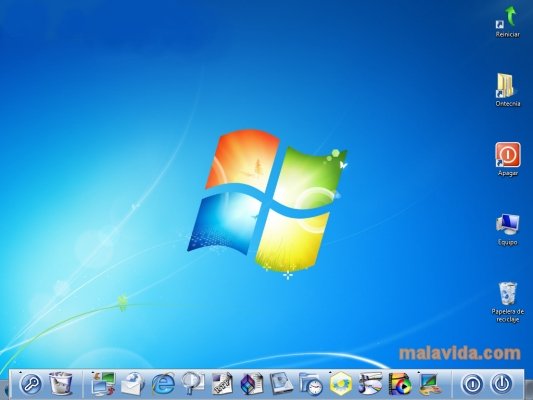
RocketDock is a simple utility that adds a Mac os X type navigation bar to the Windows desktop.

Apple is characterized by creating design trends. Many users try to emulate the graphical appearance of the Mac through the use of themes, visual styles, icon packages, etc., but they can’t get the magnificent browsing bar.

RocketDock is an ideal tool for all of those who love extreme customizing. With the icon bar it offers, just move the mouse over the icons, and you can add or remove them, change the background colour, create transparencies, etc.

RocketDock can be placed in several places on your desktop, although it is recommended that you customize it to the upper or lower area. It can be moved freely around the desktop, which maximizes customization possibilities.

NOTE: RocketDock is a light program, the performance of the system will not be severely affected, although in older computers it can cause instability.

RocketDock Compatible Operating Systems:

2000,Windows Xp,Windows Vista,Windows 7


RocketDock

How To Download:-


1- Click The Download Button Below To Download The File

2- Wait for 5 sec
3- Then Click On Skip This Add

4- In A New Tab 2 shared Page Will Open
 
5- Type There Password To Unlock The File
Note:- Password Is Given Below
6- Then Click On Download Button To Download The File
Warning:- Don't Click On The Big Dowmload Button On 2 Shared Page That Is Advertisement. Click On The Mini Download Button To Download The File 

 Password = Piratestop
Thanks For Visiting
And
Feel Free To Leave Your Comment
Moreover
If You Like Our Posts Then Support Us To Join Our Site

Published By:
NAJAM UL SAQIB
on 07:04

30 Jul 2012

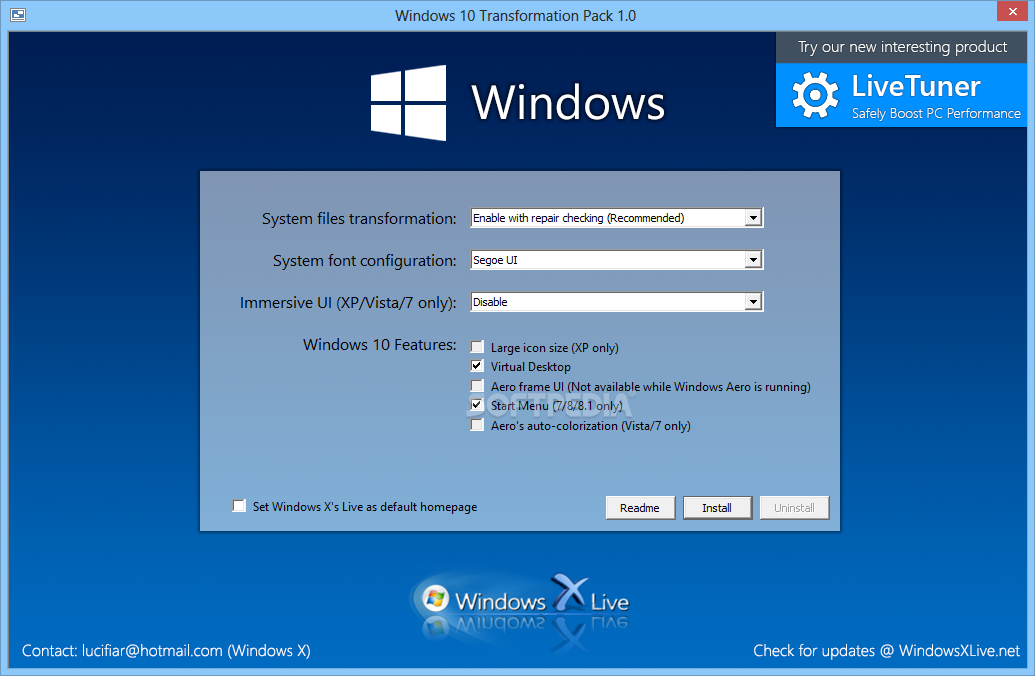
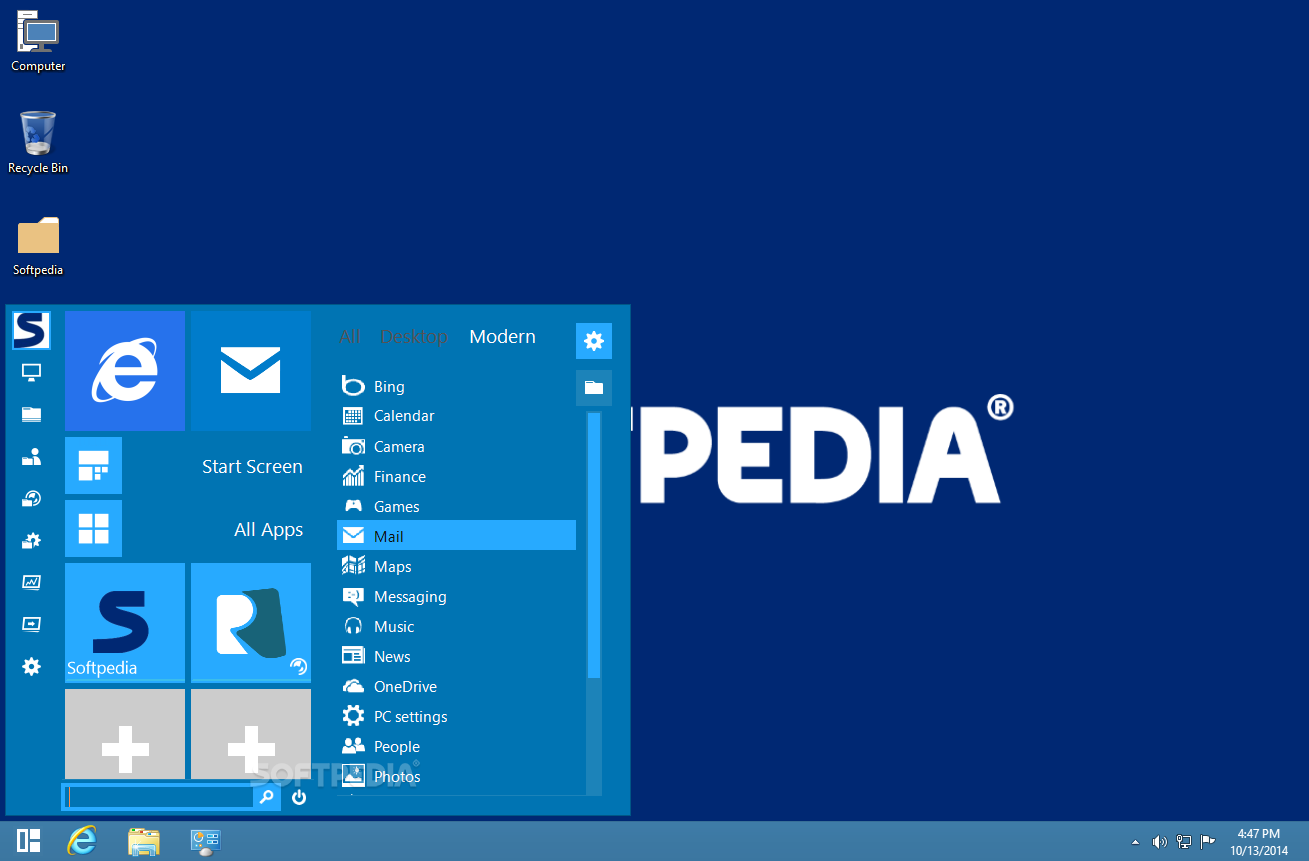
0 Windows 8 Transformation Pack For Xp Free Download [ 57.48 MB ]

Features:-

· Added ability to offer uninstalling existing UX Pack product if can
· be uninstalled from Control Panel

· Added Windows 8 new wallpapers and default user picture

· Changed default system font to Segoe UI as Segoe UI Light caused UI

· glitches in some places

· Fixed backing up and restoring system resources to be more secure and reliable

· Fixed missing left pane and failing to load Control Panel UI pages

· after performing system files transformation in Windows Vista/7

· Fixed system icons that sometimes won't be updated after system 
files transformation

· Fixed uninstallation code that doesn't remove something (Zetro theme,

· old wallpapers)

· Removed ViStart and ViGlance from Windows 8 Transformation Pack

· Obsolete for Metro design)

· Updated Newgen to version 6.0 with Windows 8's tiles and UI configuration

· Updated Resource Hacker to version 3.6

· Updated some fixes and improvements for installation process

· Updated system files modification to use backup files instead of current files


Windows 8 Transformation Pack screenshot 1

Windows 8 Transformation Pack screenshot 2

Windows 8 Transformation Pack screenshot 4


1- Click The Download Button To Download The File

2- Wait for 5 sec 
 

3- Then Click On Skip This Add 
Skip Ad 

4- In A New Tab 2shared Page Will Open

5- Type There Password To Unlock The File

Note:- Password Is Given Below

6- Then Click On Download Button To Download The File

Warning:- Don't Click On The Big Download Button On 2shared Page That Is Advertisement. Click On Mini Download Button


1- After Downloading You Will Get The rar. File

2- Extract It With Winrar

3- After Extraction You Will Get The Original Setup Of Software

4- Open Setup And Install It

5- After Installation Launch It And Restart Your Computer

6- And See The Whole New Change In Your Windows

Password = Piratestop


Thanks For Visiting

And 
Feel Free To Leave Your Comment
Moreover
If You Like Our Posts Then Support Us To Join Our Site


Published By:
NAJAM UL SAQIB
on 02:05

Next Page Home
Top